
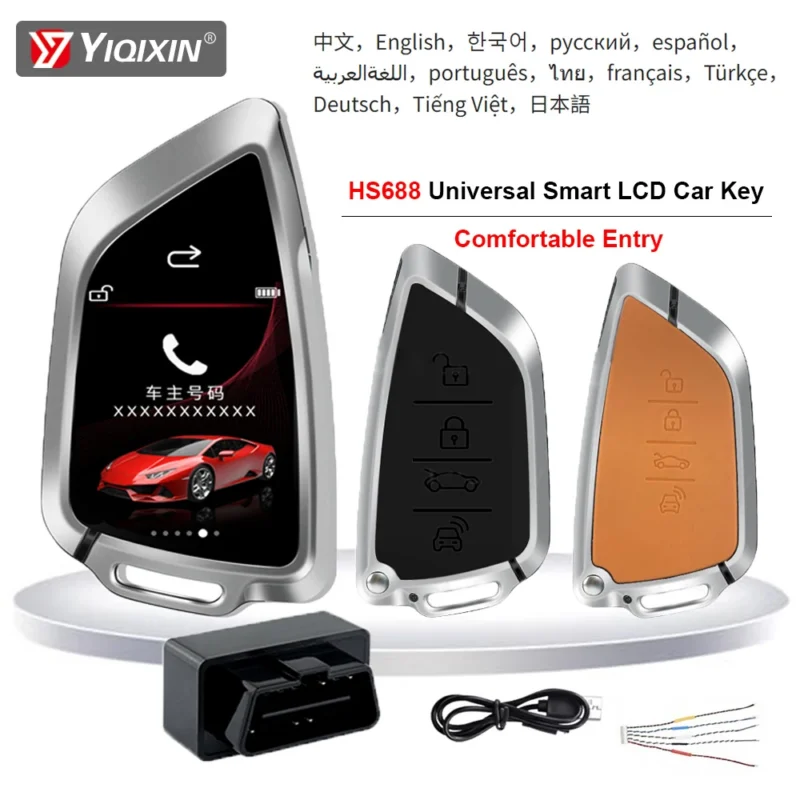
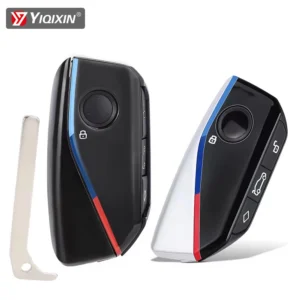
- Wireless Function: Yes
- High-concerned chemical: none
- Country/Region of Car Manufacture: China
- Other Part Number: Smart Car Key LCD Screen WIth OBD
- Manufacturer Part Number: LCD Remote Key For Porsche For Fiat For Hyundai For Renault
- Interchange Part Number: LCD Remote Key For Jaguar For Land Rover
- R/C Function: WithOut
- Customization: No
- Brand Name: YIQIXIN
- Origin: Mainland China
- OEM NO.: Comfortable Entry For BMW For Audi
- Material: Liquid Crystal Key
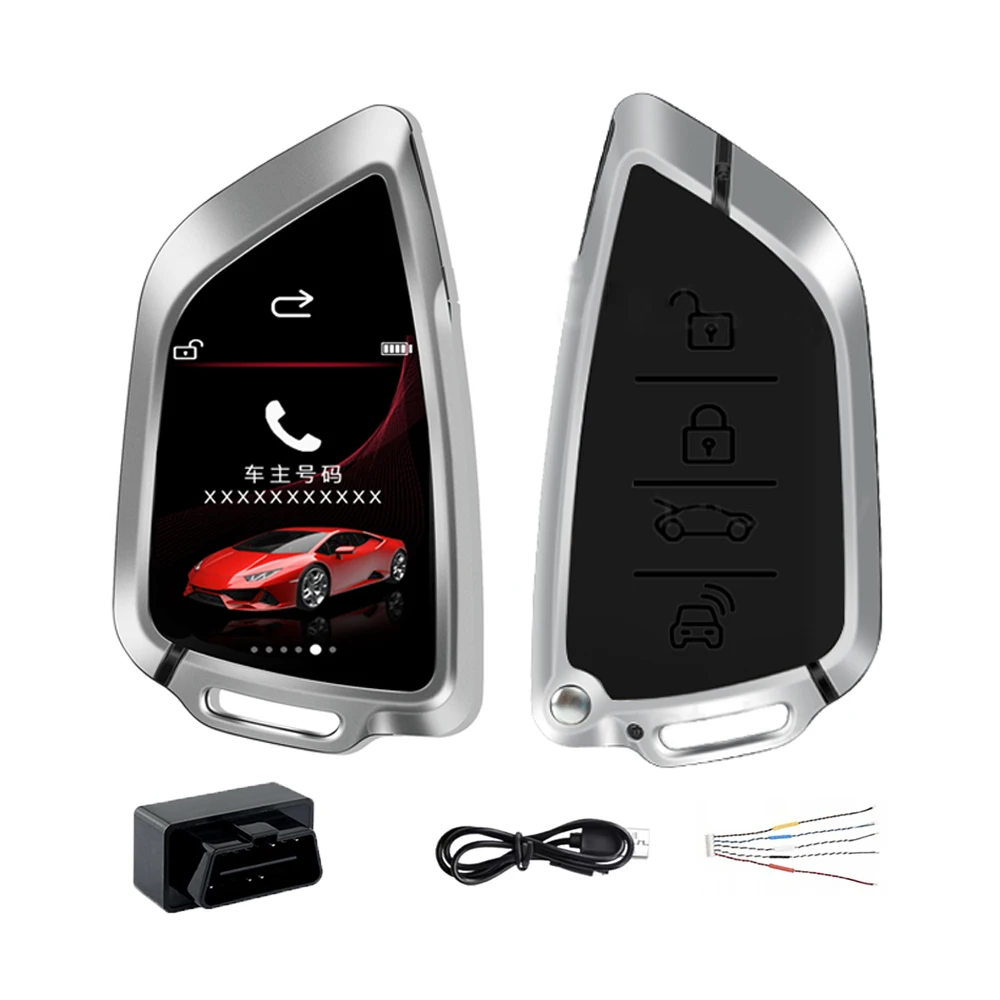
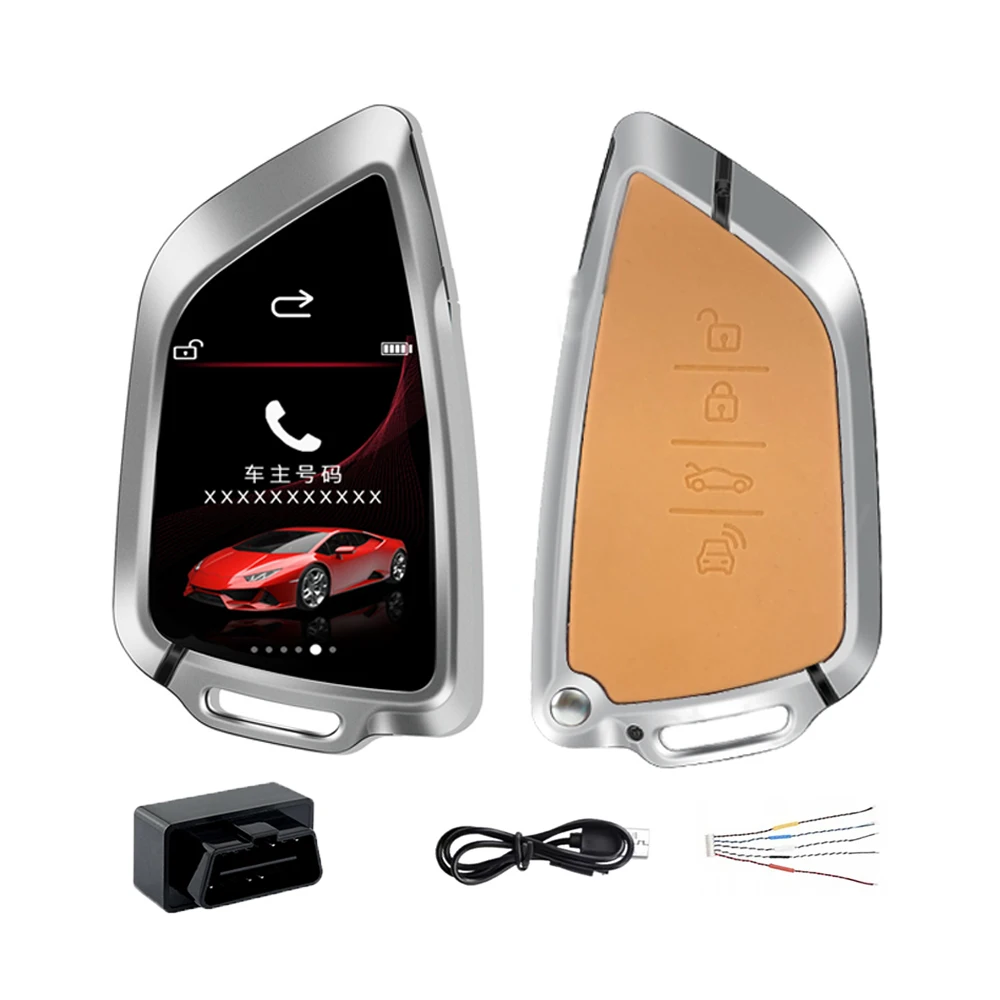
- Name: SK06 Smart LCD Key
- Feature 1: Comfortable Entry
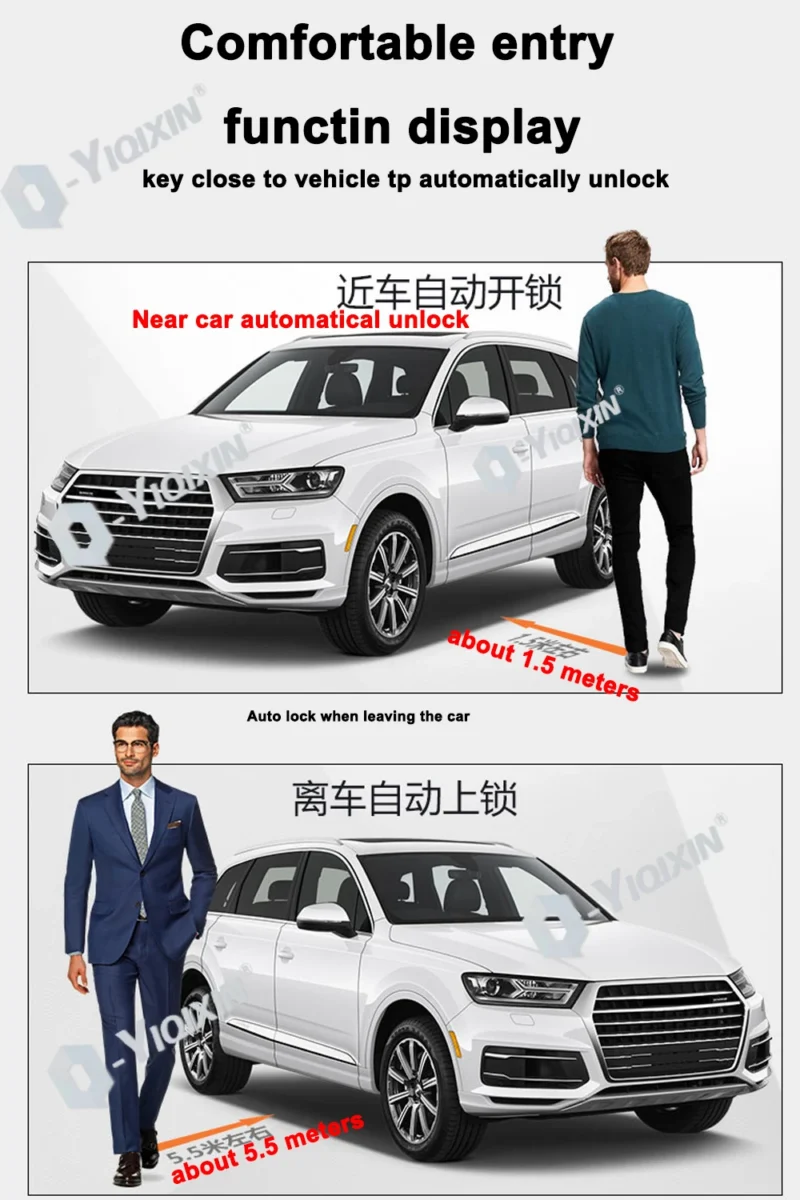
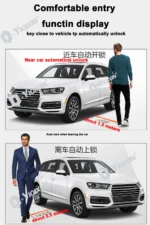
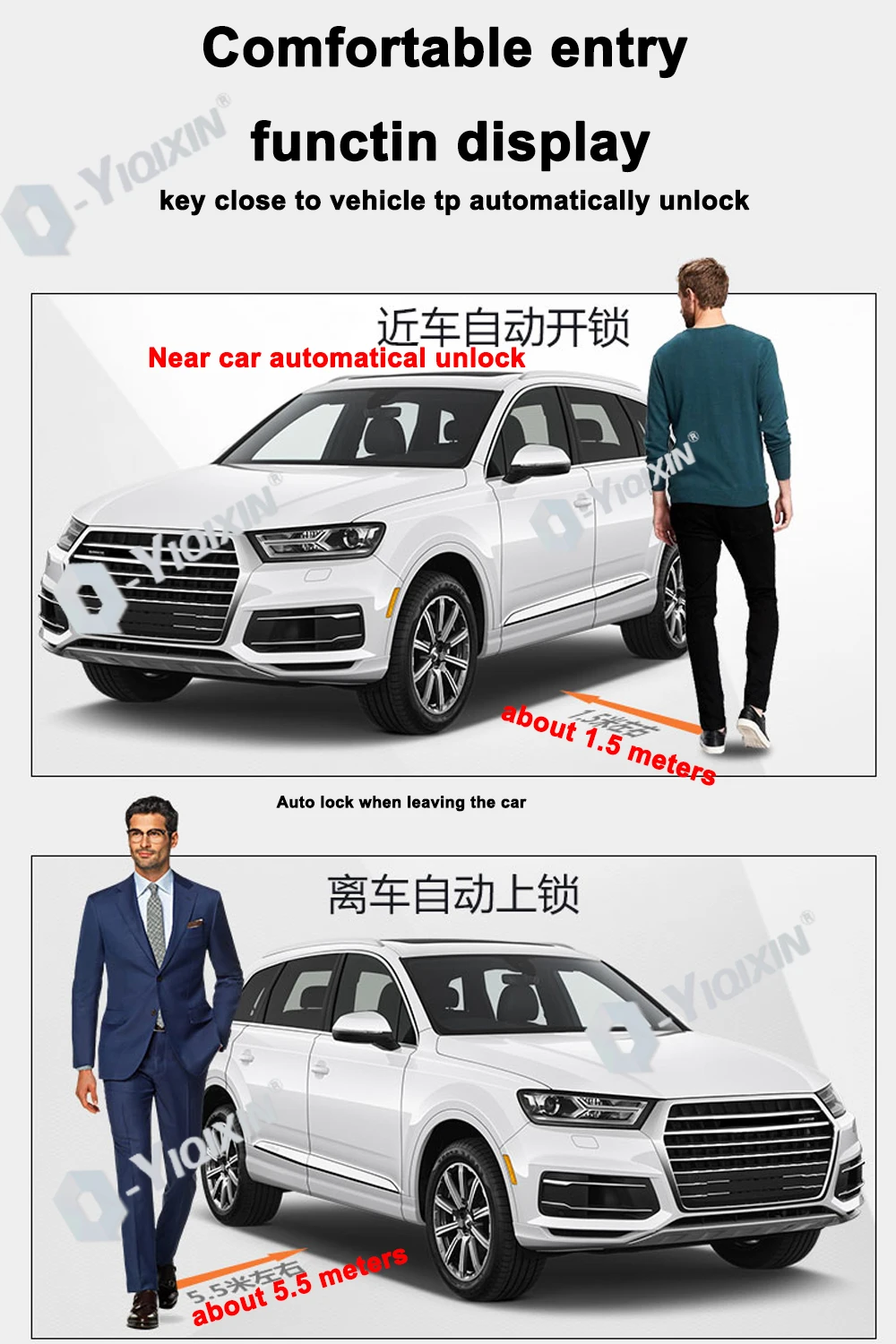
- Feature 2: Close to the car to unlock, leave the car automatically locked
- Feature 3: LCD screen key
- Feature 4: Smart Access Features,W/LCD Screen OBD
- Feature 5: Time And Date Display
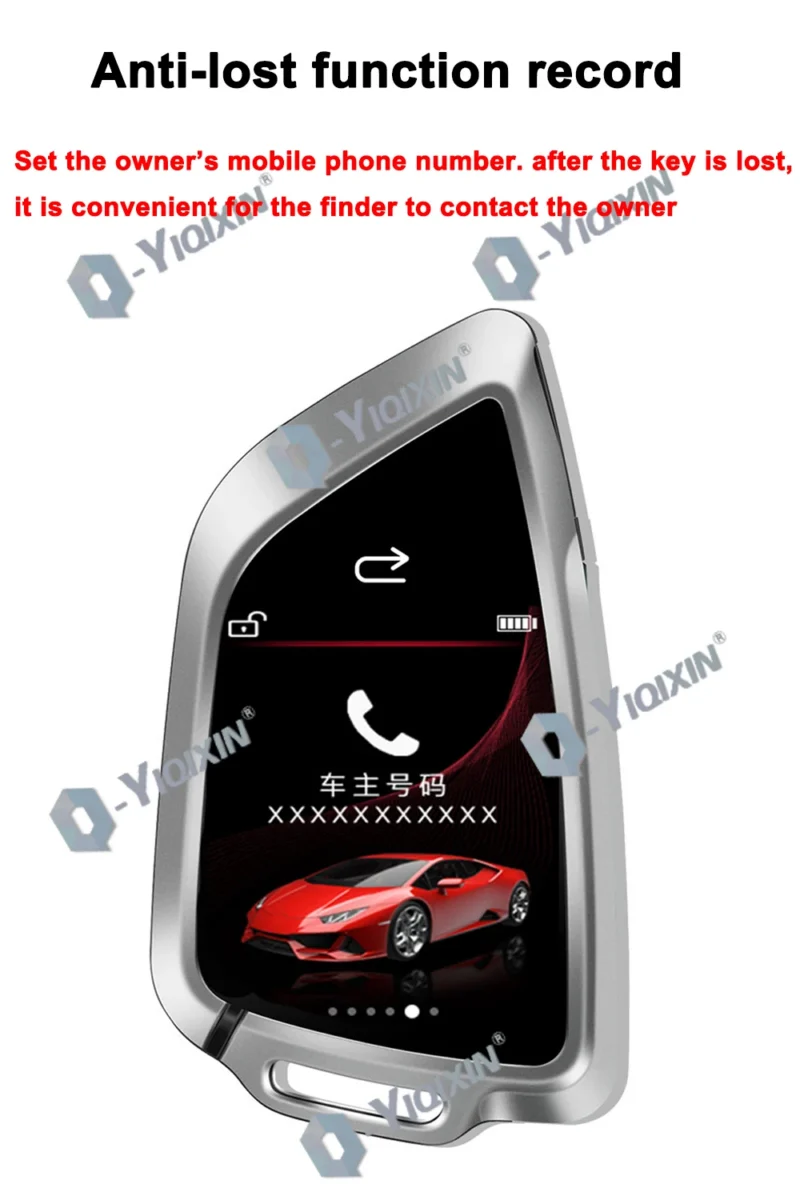
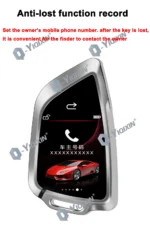
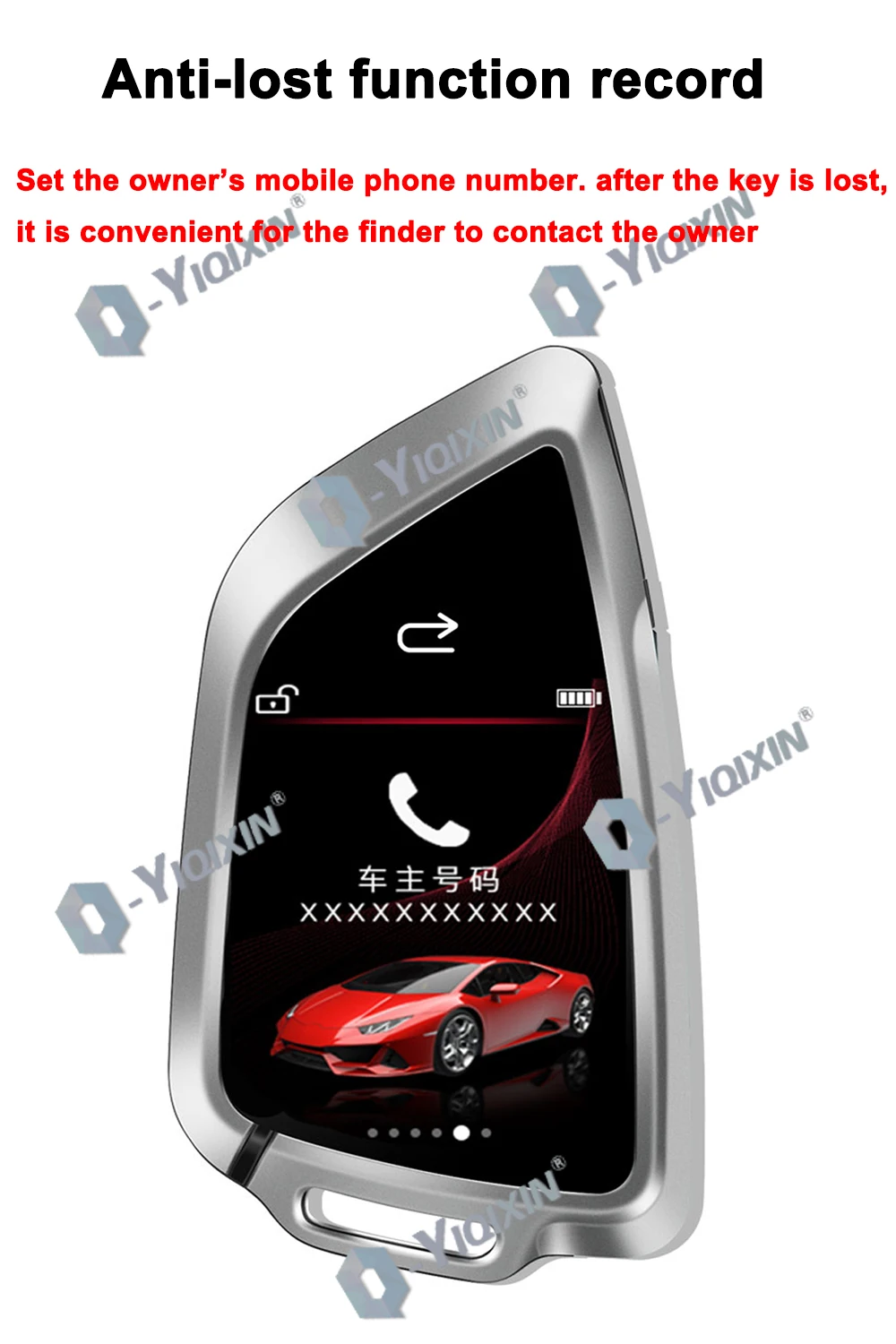
- Feature 6: Anti-loss function
- Language Version: Multilingual LCD Key English Russian Korean Portuguese Spanish Arabic French Japanese
- Colors: Black LCD Key/Orange LCD Key
- Type 1: For BMW For Benz For Audi For VW For Ford For Hyundai For KIA For Toyota For Land Rover For Cadillac For Honda For Jaguar For Jeep For Volvo For Mazda Universal Car Key LCD Screen
- Type 2: LCD Screen Remote Car Key For BMW For Benz For Audi For VW For Ford For Hyundai For KIA For Toyota For Land Rover For Cadillac For Honda For Jaguar For Jeep For Volvo For Mazda
- Type 3: For BMW For Benz For Audi For VW For Ford For Hyundai For KIA For Toyota For Land Rover For Cadillac For Honda For Jaguar For Jeep For Volvo For Mazda LCD Remote Car Key SK06
- Type 4: Smart LCD Key For BMW Remote Key
- Type 5: Smart LCD Key For Benz Remote Key
- Blade: With Uncut Blade

Support Languages:
1、Black Model :Chinese, English, Korean, Russian, Spanish, Arabic, Portuguese, Thai, French, Turkish, German, Vietnamese, Japanese
2、Orange Model:Chinese, English, Korean, Russian, Spanish, Arabic, Portuguese, Thai, French, Turkish, German
Name: SK06 Smart LCD Key
Applicable to all original cars with one-button start function, not applicable to all manual in-line car keys and mechanical keys.
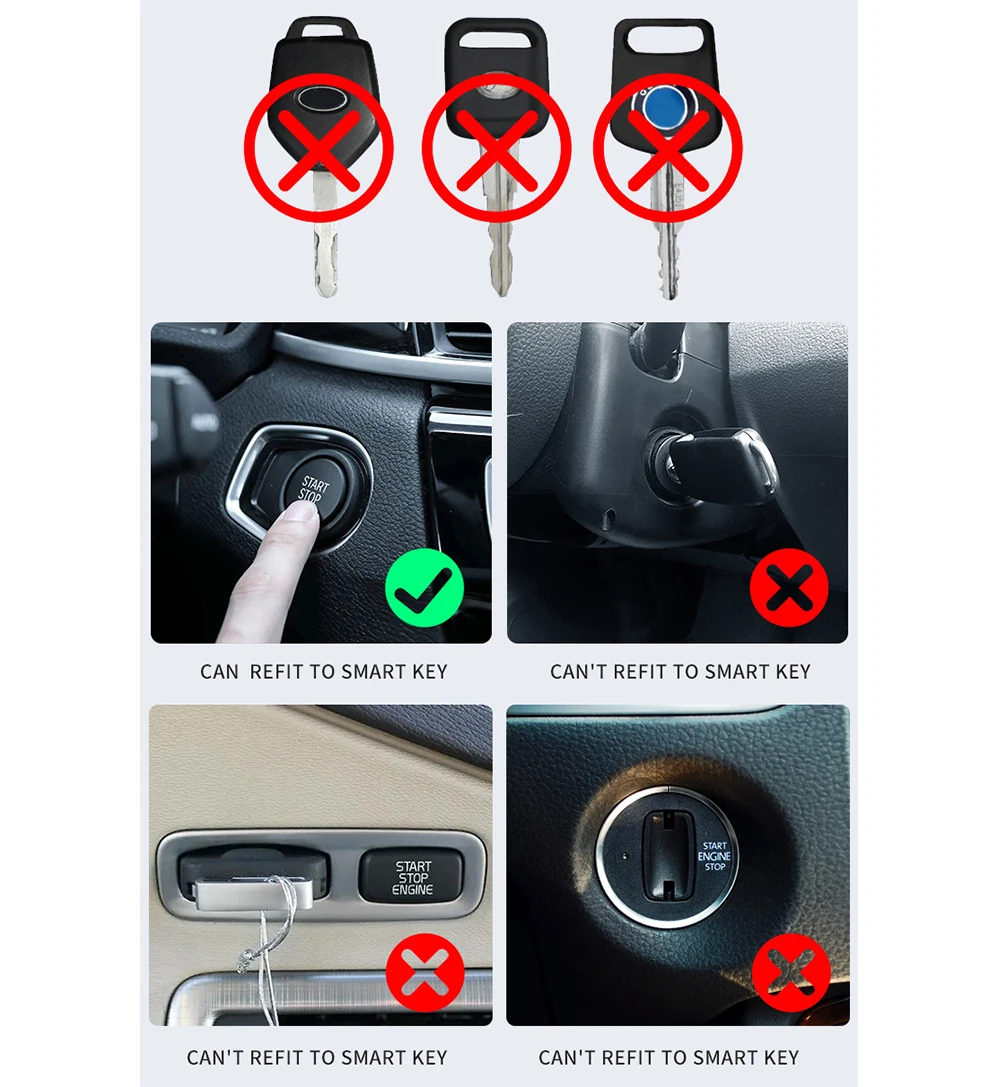
Friendly Reminder: Before purchasing, please read the Ordering Guide to avoid returns or exchanges. This guide helps reduce the time spent on returns and exchanges.
Ordering Guide:
A: Can this smart LCD key replace my original car key to control my vehicle?
Three conditions must be met:
1. Your car must have factory-installed push-button start functionality to be compatible with the smart LCD key. This must be factory-installed, not aftermarket.
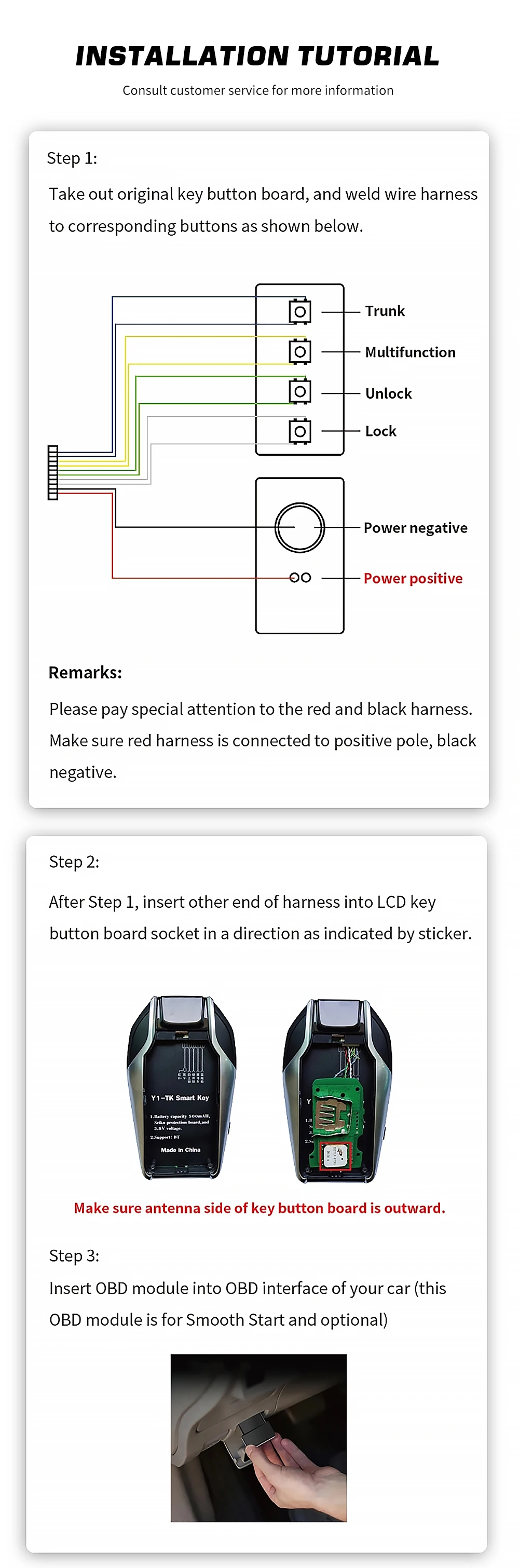
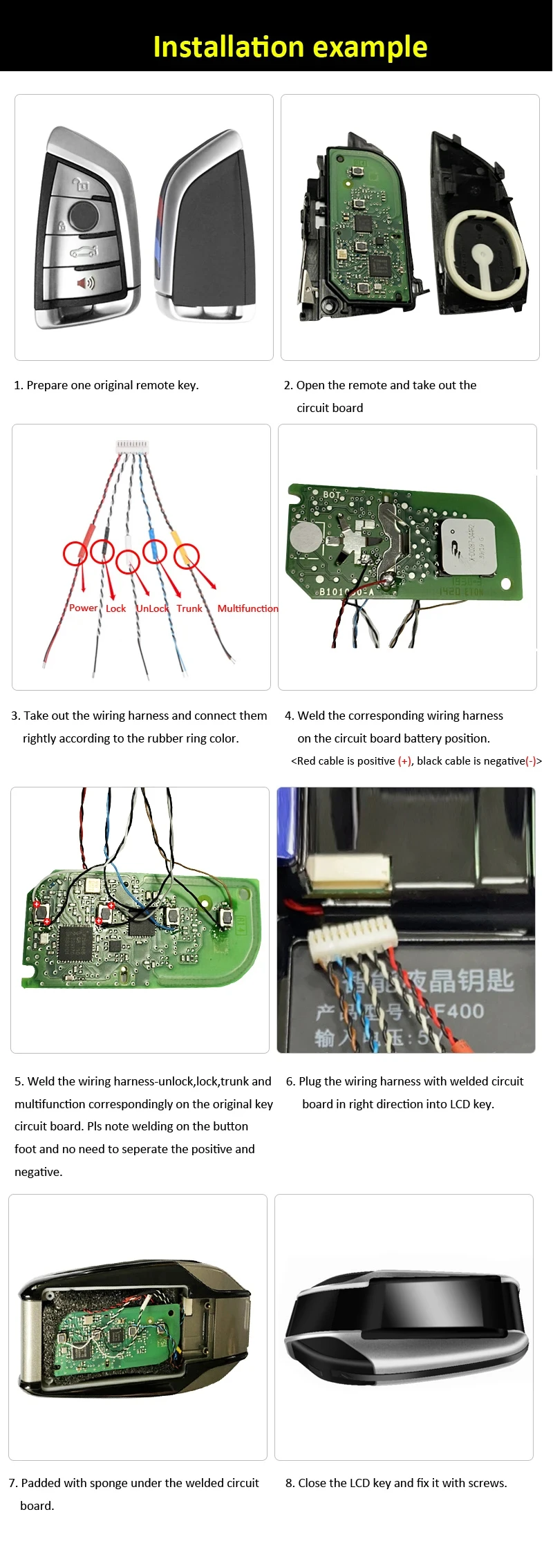
2. You must disassemble your original key, remove its circuit board, and solder it onto the LCD key’s wiring harness. Soldering must be error-free and precise to enable the LCD key to perform the original key’s functions.
3. The LCD key solely serves to provide a new appearance. It relies on the functionality of the original key’s circuit board. Therefore, before soldering, use the original key’s circuit board to lock and unlock the car to verify its functionality. If the original key’s circuit board is non-functional, soldering it to the LCD key will not work.
B: How do I solder the original key’s circuit board onto the smart LCD key’s wiring harness?
1. We strongly advise against DIY soldering. Take it to a professional phone repair shop where technicians can perform the soldering using specialized equipment.
2. Carefully follow the soldering instructions provided in the manual. Ensure correct polarity (positive/negative) connections—reversing them will render the key inoperable. Many users lack soldering experience. Attempting it yourself may cause trembling hands, potentially damaging the original key circuit board during soldering. Therefore, we strongly advise having a professional at a phone repair shop perform the soldering. Do not attempt this yourself.
3. Before removing the circuit board from the original key for soldering, it must be tested. Verify that the circuit board can properly control the car—locking and unlocking it—and that all functions are operational before proceeding with soldering. Many customers bring in non-functional original key circuit boards for soldering. While the smart LCD key replaces the exterior, its functionality depends entirely on the original key’s circuit board—the core component controlling the vehicle. If the circuit board is faulty, successful soldering will be useless.
C: Can the smart LCD key activate all functions of the original key’s circuit board?
The LCD key has only 3 wiring harnesses, meaning it can activate only 3 functions on the circuit board. Additional functions on the board cannot be activated because they cannot be soldered. You will need to prioritize.
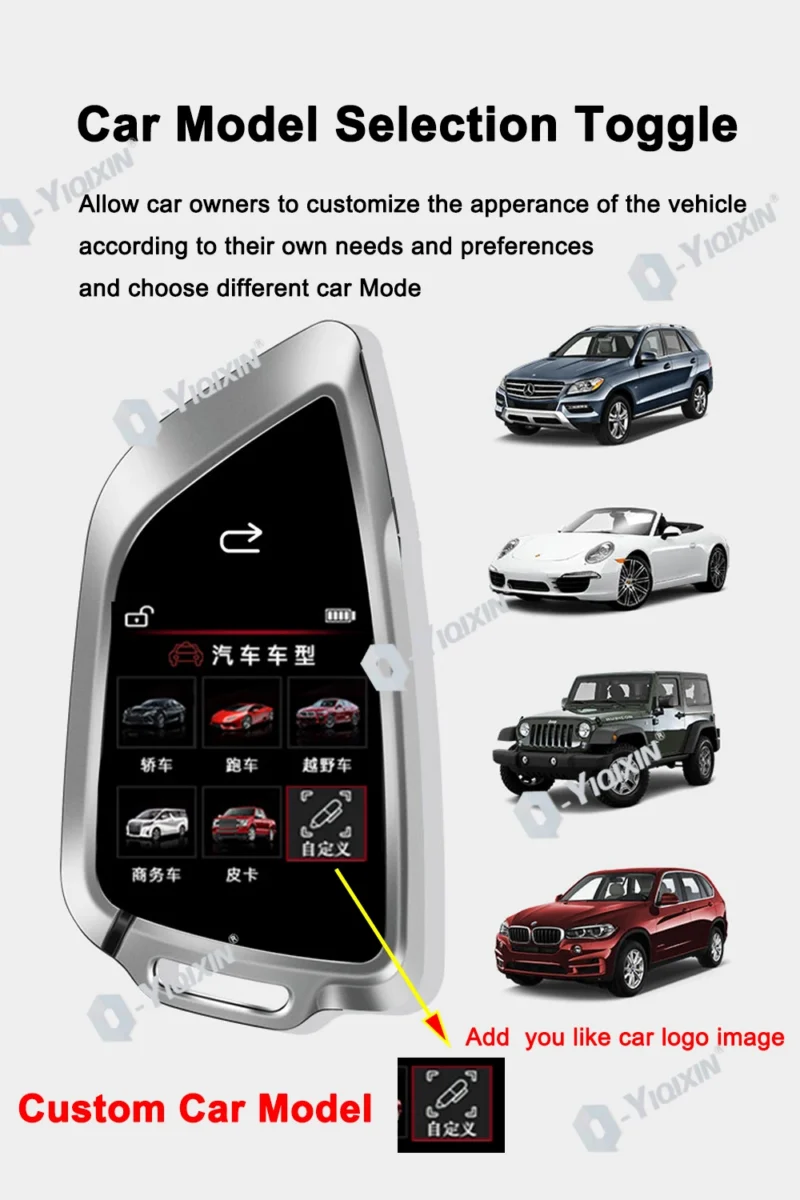
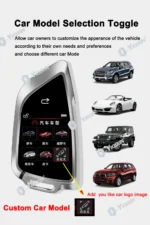
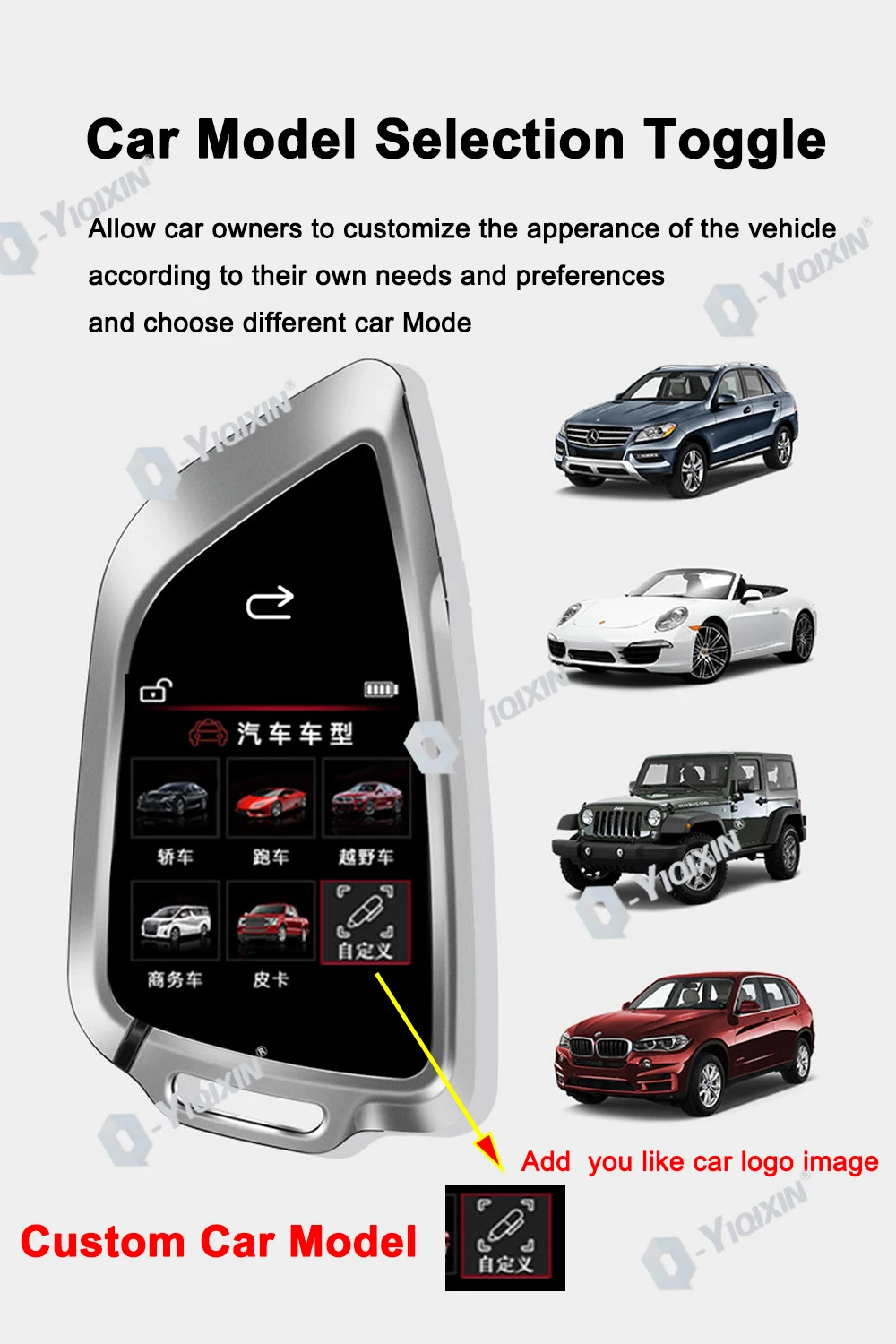
D: Can the smart LCD key change the wallpaper on the screen or customize the car logo?
None of the smart LCD keys have this capability. The screen wallpaper is fixed and cannot be customized, nor can the car logo be altered.
E: My car has push-button start, but my original key lacks this feature. Can the smart LCD key add push-button start functionality to my original key?
Push-button start is a keyless ignition system. Simply carry your original key inside the vehicle—it will be detected automatically. Press the start button on the car to ignite the engine. Therefore, push-button start is solely a vehicle function—it’s a switch within the car. The key itself “does not have push-button start functionality.” Some car brands’ keys include remote start capability; pressing the remote start button on the key triggers the vehicle’s push-button start switch to activate. You must have a key fob with built-in remote start capability. Our LCD key fob only modifies the appearance; it cannot grant remote start functionality.
F: How do I change the LCD key fob’s text to my local language?
Swipe up to unlock the screen → Swipe right to enter Settings → Find the Language option in Settings → Tap to select your desired language.
G: Product Power-On Issues
Upon first receiving the LCD key, do not attempt to power it on immediately. Charge the LCD key for 24 hours until the battery is fully charged before performing the power-on operation. This ensures the product avoids power-on failures.
H: Charging Cable Restrictions
1. Do not use fast-charging cables. The LCD key employs relatively outdated circuit technology and cannot support fast-charging cables. Using such cables may damage the internal circuit board, rendering the product unusable.
2. Note that the LCD key must only use the original cable provided with the product. Never use other cables to avoid damaging the product.
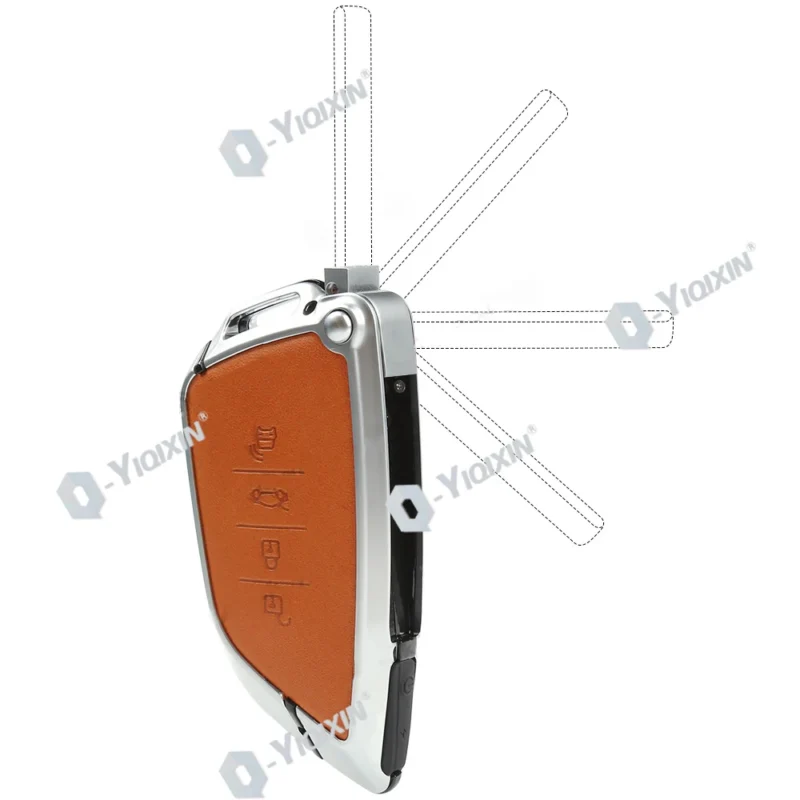
Unlock button /trunk button /usb charguing port/power button /car lock key /car search button/LCD Touch screen/Return key
Apply for patent protection
Less after-sales, less worry and effort
Installation: Solder the original key circuit board to the LCD key.
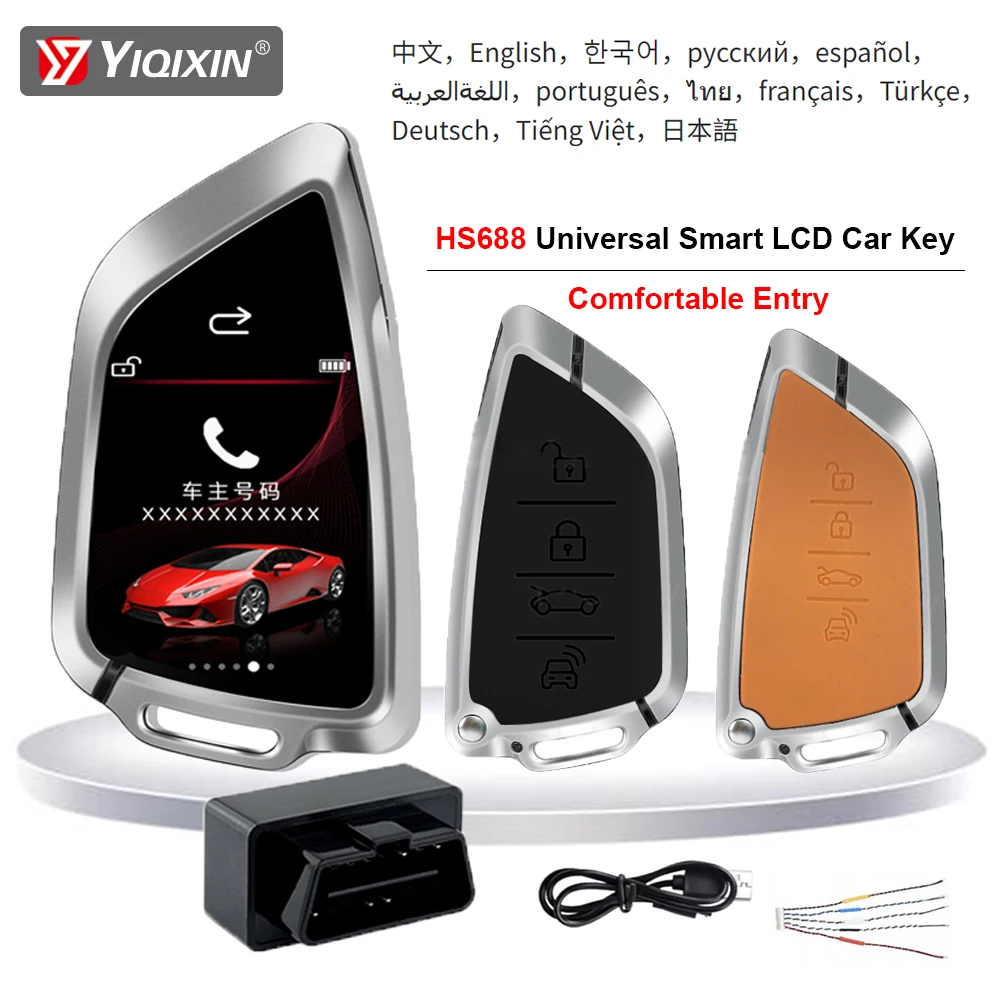
Features
1. IPS TFT Display OGS Touch Screen
2. Touchless door lock trunk lock
3. Automotive-grade comfort entry
4.Standby 30 days, comfortable entry 365 days
5. Material: hardcover alloy material
6. Comfortable entrance function
7. Lock the windows
8. Full laminated glass touch
9. No induction door lock, switch tail box
10. Window lift (some models)
11.15 minutes quick installation
12.OBD harness installation
13. Anti-lost function
14. Patented products
15. Fill in the owner information
Original Car Key Circuit Board Size:
Please check you car key circuit board size meet the requirements. may not be available if the size exceeds.
Length: 4cm
Width. 6.5cm
Height 0.7cm
FAQ:
① The original car key is changed to: Touch screen + LCD physical key, support all the functions of the original car key.
(The original car key function will not be changed)
———————————-
② Add convenient input function
Connect OBD plug for convenient input,
Auto unlock when approaching 1-1.5m and auto lock when leave 3-5M
———————————
Lock the car and lift the window automatically
(some models)
———————————-
Customer Concerns:
1. How long does the LCD key last?
Standby: 8-10 days in normal temperature, 5-7 days in winter.
The LCD screen has no power, the physical button supports for 6 months, and it can unlock and lock.
———————————
2. What is the difference between keyless entry and convenience entry?
[Keyless Entry]: The original car has a keyless entry function, and you need to press the button on the handle to unlock the lock.
[Convenient input function]: contactless, automatic unlocking within 1.5 meters near the vehicle, automatic locking more than 5 meters away!
——————————-
3. How to change the LCD key?
Take out the original car key chip, solder the special key harness, insert the LCD key, and you can use it.
(Provide installation tutorial, spot welding master can see it)
——————————–
4. How is it charged?
Just use Type-C charging cable to connect, don’t use fast charging connector and fast charging cable, please use normal charging connector and cable to avoid causing damage to the machine.
Reviews
There are no reviews yet.