- Software Update: no
- High-concerned chemical: none
- Use: Not Telecommunication
- Electronic: No
- Wireless Support: No
- Is Batteries Included: no
- Item Height: 5inch
- Item Width: 5inch
- Item Length: 5inch
- External Testing Certification: ce
- Voltage: V
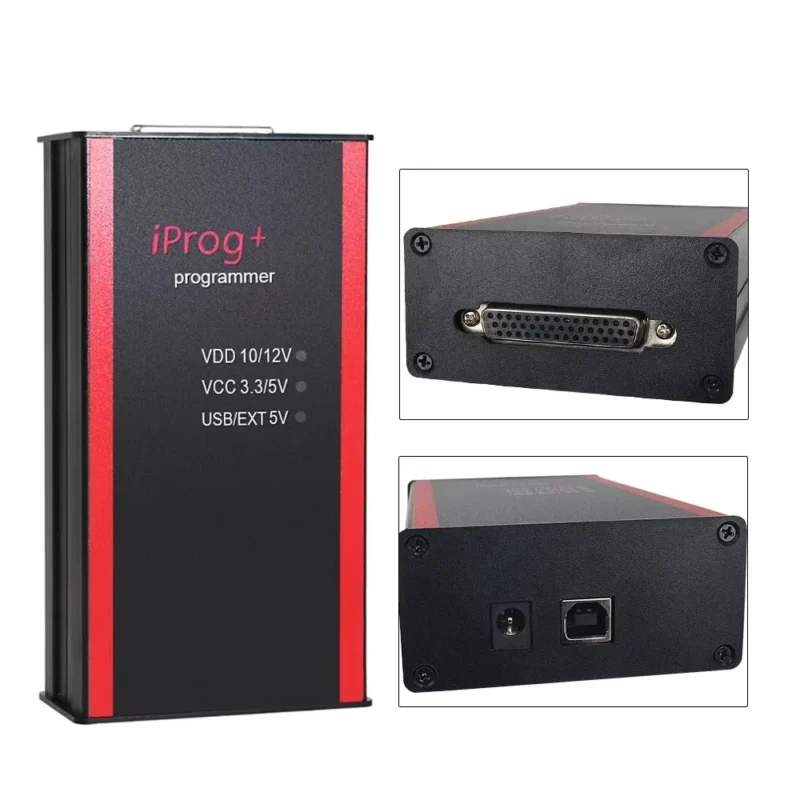
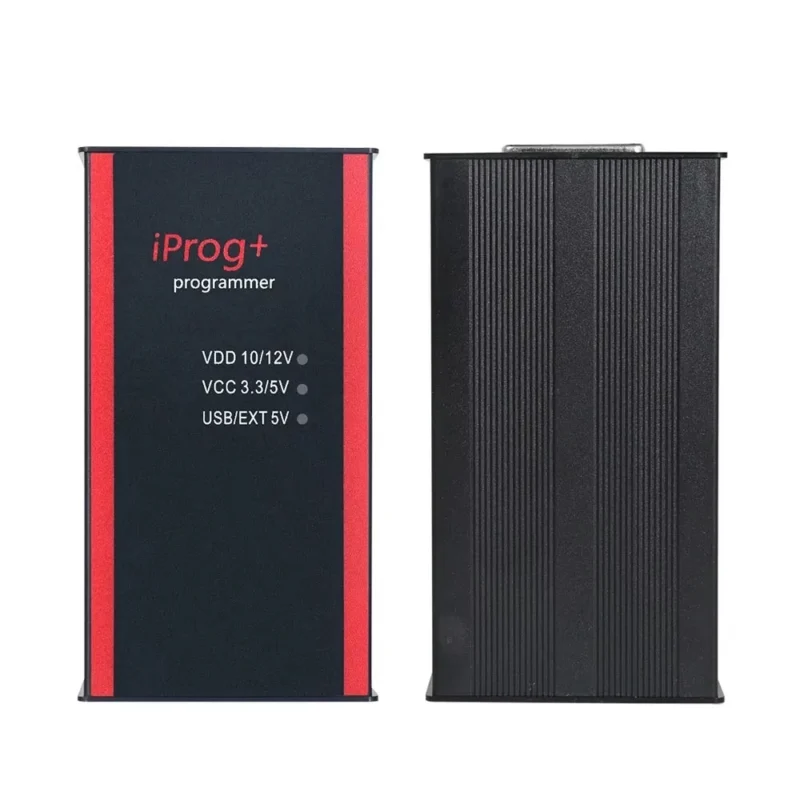
- Model Name: IPROG+ V87
- Hardware Version: IPROG+ V87
- Brand Name: ThinkElk
- Origin: Mainland China
- Material: PLASTIC
- Certification: CE
- Item Type: Auto Key Programmer
- Power (W): W
Note:
Our V89 software can be used on windows 7/windows 10, the installation of this software is only related to the computer system. Higher requirements for computer systems , it needs to be used on a relatively new and clean computer system.So we do not guarantee that V89 software can be used on your computer 100%, if V89 software does not work, you can try V87 software, we ensure that V87 software can be used on your computer 100%.
New update:
Our iprog has update to v89 version ,this version add a new Calculator.
iProg calculators without being tied to an adapter or PC.
Note: This decoder is used on WIN10 system
What is it for:
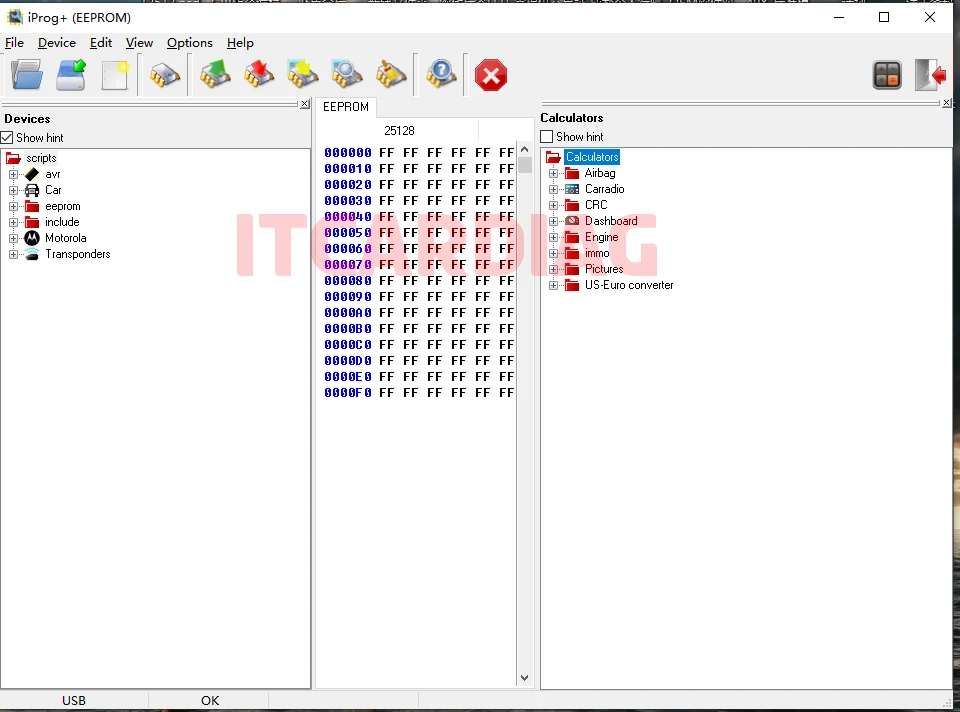
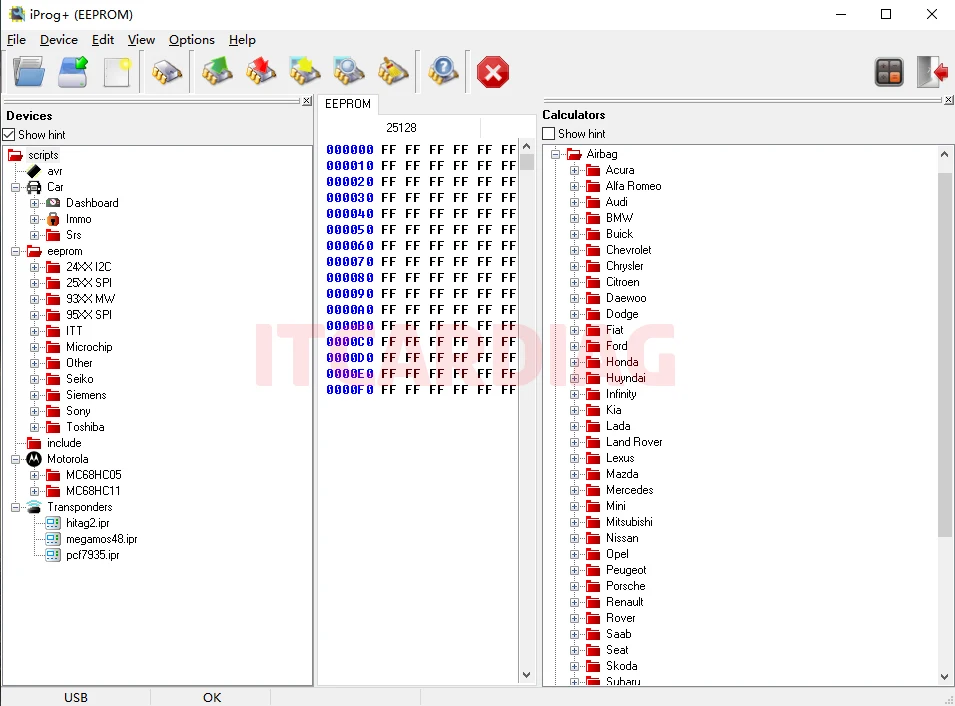
Airbag, Dashboard, immo, Carradio, Engine, US-Euro converter calculators for I-Prog+ programmer,
tracing papers can also work with dumps read by other programmers.
Calculators are not tied to computer hardware.
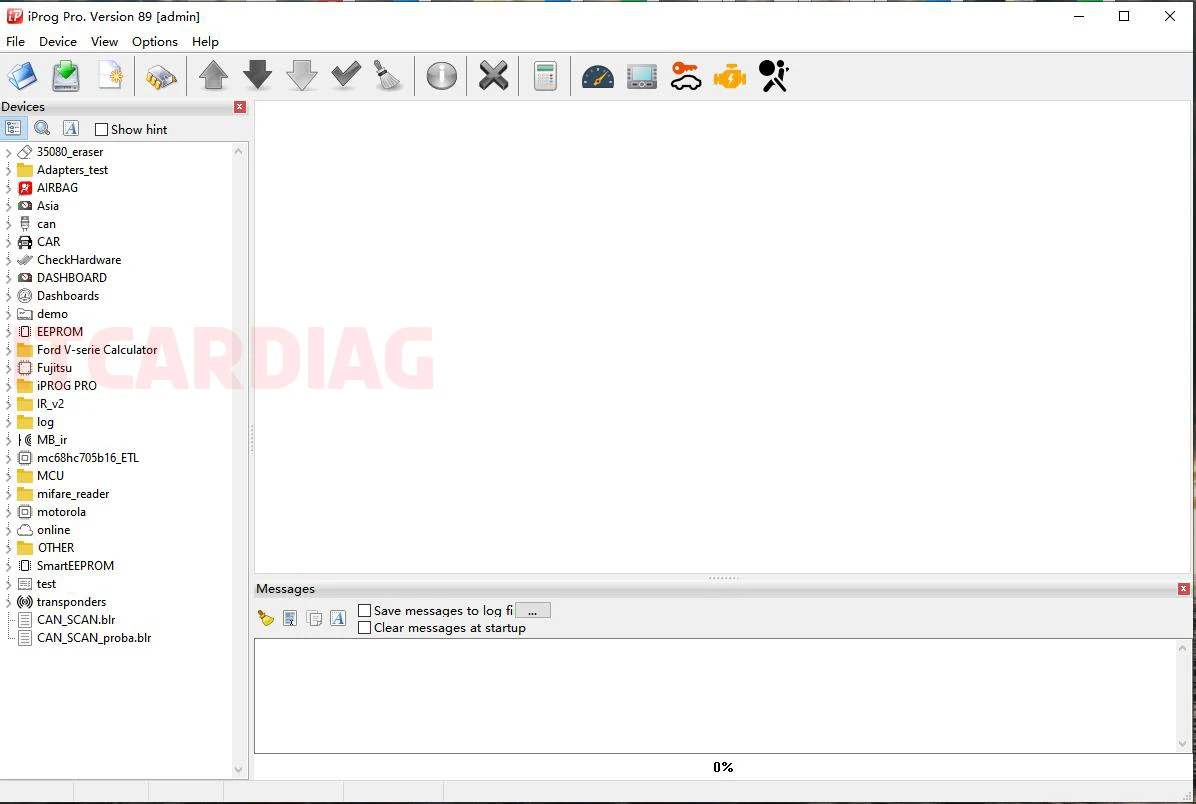
Software display:
Note:
iPROG+ can only be connected to the computer’s USB port 5V.NOT allow to external 12V power supply.
It is easy to burn out when connected to an external power supply 12V(There is no 12V power supply in the package,so customer dont use 12V,otherwise customer responsible for this)
After install driver but computer can not detect and device manager shows unknow device that means driver can not work,please uninstall and re-install driver again and change another usb port to plug.
Language: Full Russian +half English(Not Full English)
***some software show russian,please note to this .
FAQ:
Q: iprog “power loaded”
A: There is a problem with the power module, the transistor is damaged or the power converter is faulty, simply replace the hardware
Q: iprog “not connected”.
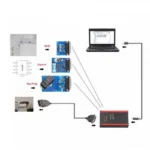
1.the connection between iprog pro and laptop or adapter is incorrect.
2. the device driver didn’t install well.
3.Suggest use win 7 32bit system,some win10 system can’t works well
Release V87 (Gift:V89 Test Version )
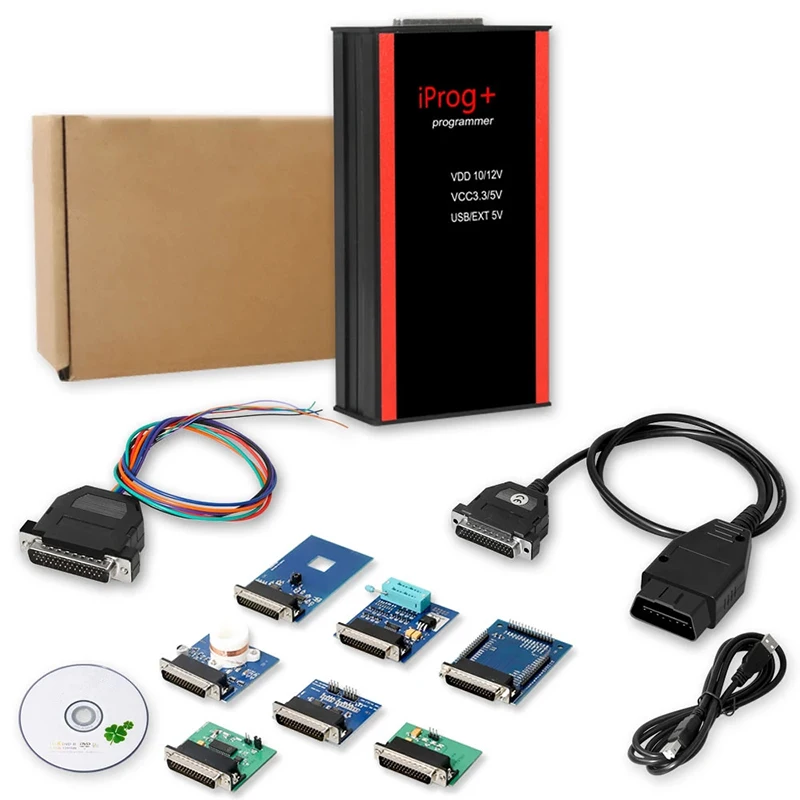
Description:
Airbag,carradio,dp off, ECU,IMMO KEY, MIL TO KM, PINABS,PINCODE SMATRA3,PINCODE SENSOR SPEED LIMIT,ODO ,MCU-Atmel,Fujutsu,Microchip,Motorola,Motorola912EN,NECV850,BLR,CAN,CRC_Cript,ibutton,sd_unlocker,test.
IProg Pro Programmer Function List:
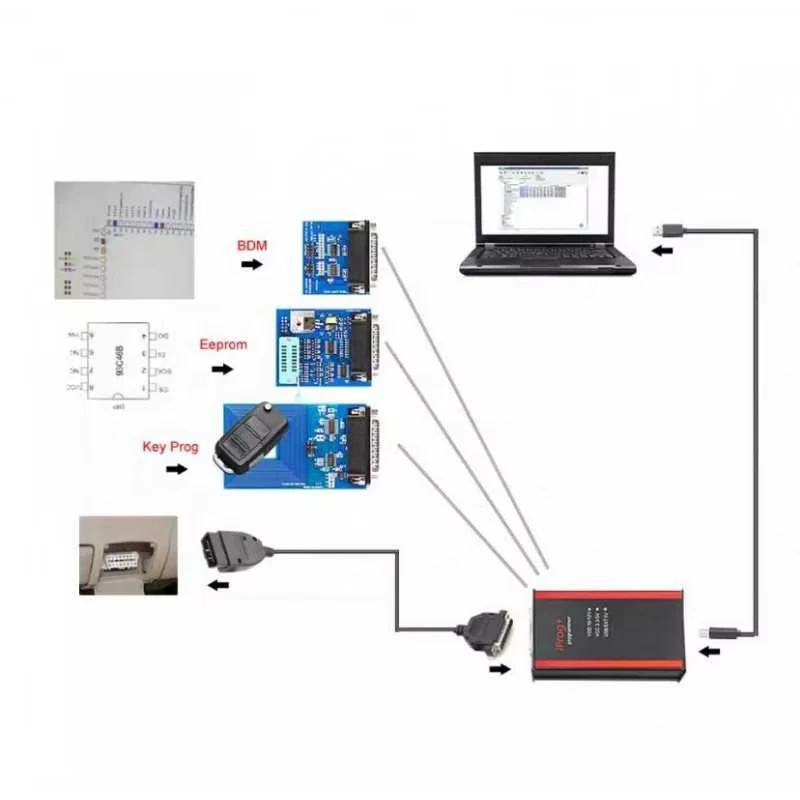
Working with odo on OBDII connector
Working with odo on the table through adapters
Work with multimedia unlocking the tape recorder
Work with keys (IMMO, Transponders), copying, preparation, unlocking
Work with IMMO-Key Auto dumps
Working with the airbag computer, deleting crash data
Transfer readings from miles to km
Read and write processors and its used in cars
Removing the particulate filter in the dump
Working with keys to the intercom
Realign Pin cod from dump (some brands)
Control board number, + scripts full Base number. Ability to update!
All adapters are tested for performance!
IProg Pro Programmer Support OS:
The program is designed to work in the operating systems of the Windows family . The following versions are supported:
Windows xp
Windows vista
Windows 7
Computer System: Win XP and Win 7 32bit/64bits . No Supports Win 8/10.
Iprog+ Programmer Software Display:
1. Airbag:
Read and erase crash to some cars
Read and erase DTC
Repair CFG
2. Dashboard:
Read km
Write a new km
3. Car Radio & ECU:
Car Radio:
Read and erase info
Reset count
ECU:
Immo OFF
DP off
5. Immo:
Program and copy chips for cars and truck
Unlock keys
Cover Toyota smart keys: reset key prepare
Write a key by immo dump
6. Mcu:
Read and write chips
Cover chips Atmel, Fujitsu and microchips Motorola, NEC v850
7. Special functions:
Mile to km
Pincode from dump
IProg+ Programmer Customers Reviews:
Review 1:
For Isuzu Dmax 2010 all key lost done by Iprog+
Review 2:
I ordered one iprog , I can cofirm that Iprog+ is working perfect on these keys: to reset a used Smartkey for Subaru Impreza (renew, make virgin), it is a DENSO 14ACA Type.
Review 3:
Iprog masos for the drop of the car and the car box will be closed dp eg evap car for toyota and for Lexus will make the car use the stand.
Review 4:
My iprog+ can do good work.
Credits to one DK veteran.
Review 5:
i have iprog and without problem clear all for Toyota modules.
Review 6:
Clearing of airbag ECU works though some parts is stuck in Russian.
Review 7:
read pin code smartra3 hyundai h1 2012 bosh edc16–OK, Delphi not ok.
V.82 for Ford Transit 2012 OBD OK, by obd made for Ford.
Review 8:
I have Iprog and i am really satisfied from it.
90% of dashboard and airbag calculations are good.
Today i was made for Mazda Airbag unit trough OBD.
It was Infineon XC2361-56F.
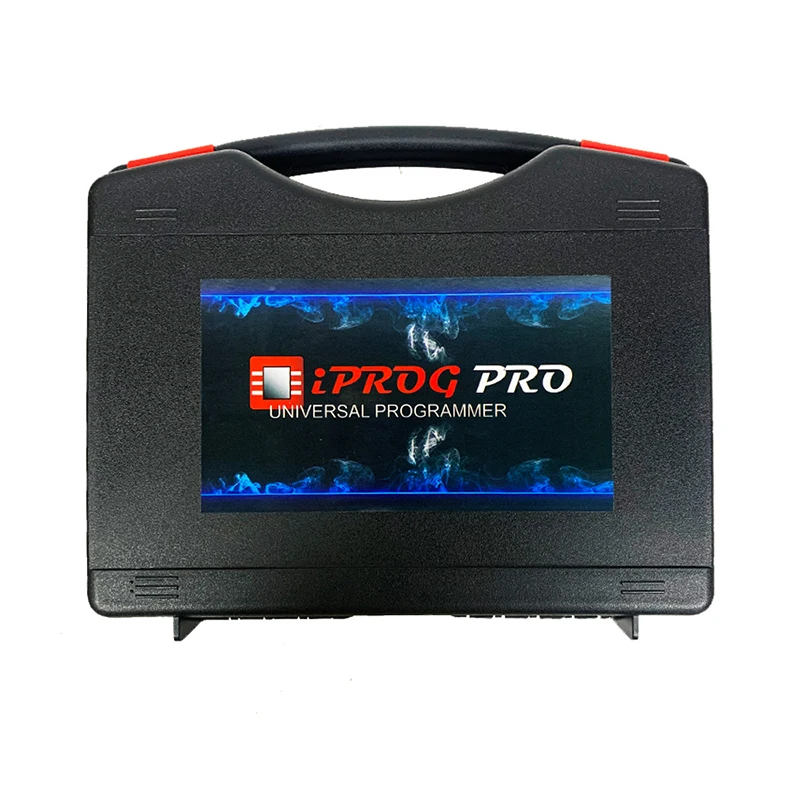
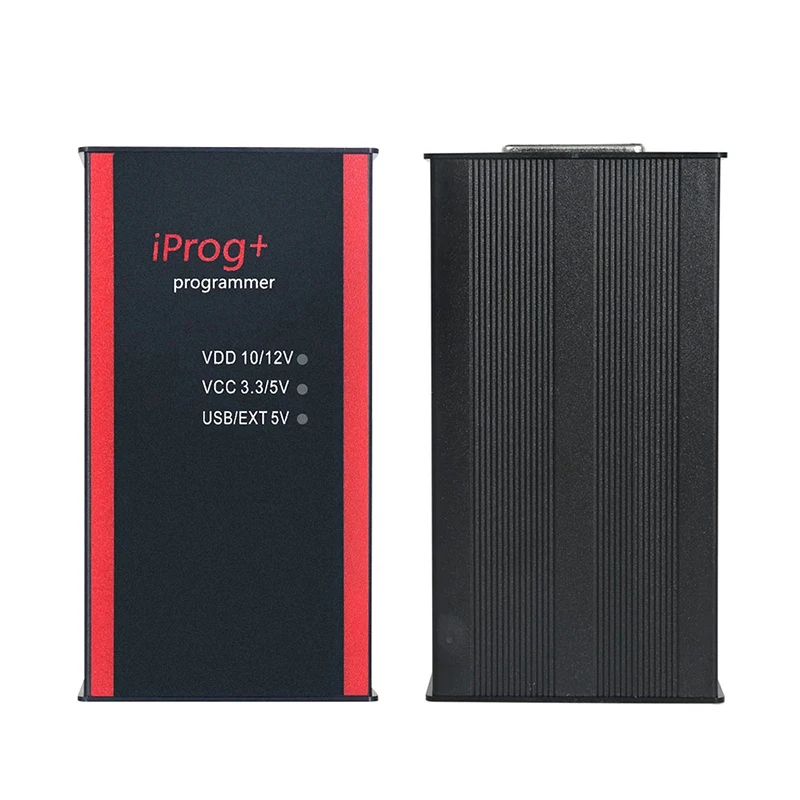
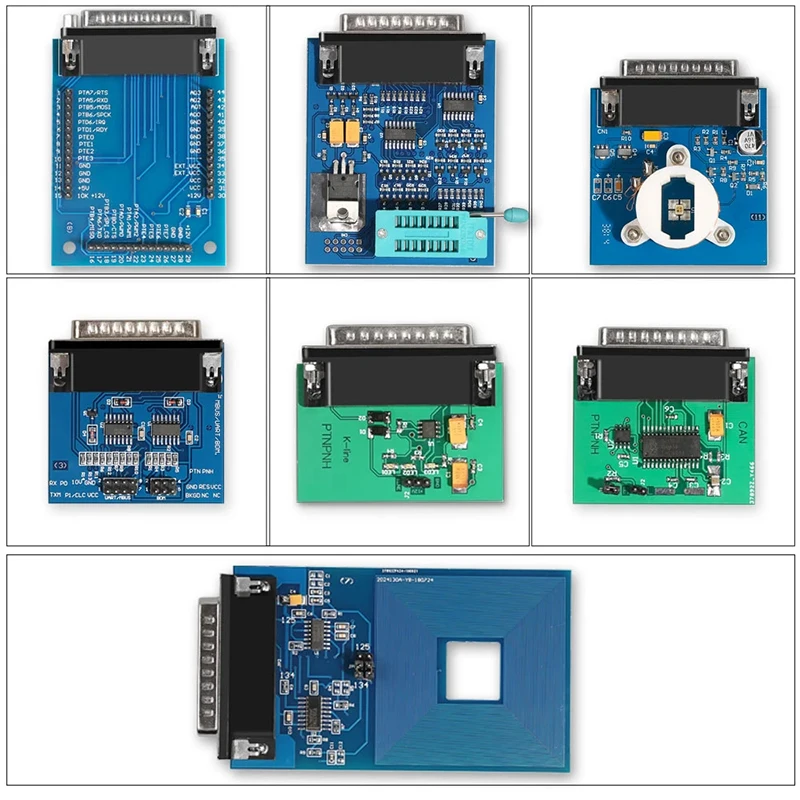
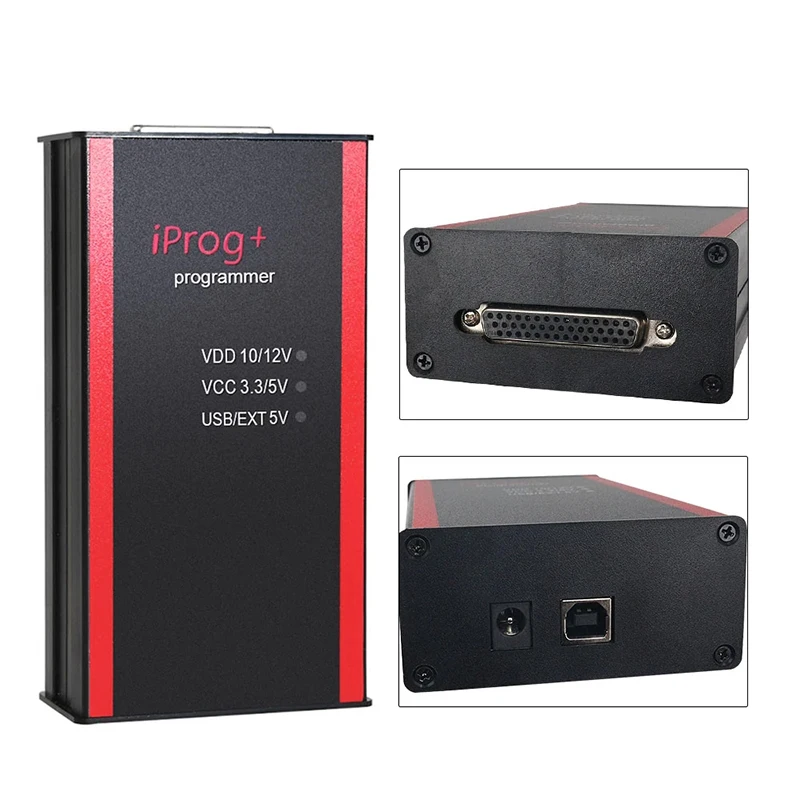
Advanced Iprog Pro V87 & V89 Diagnostic Tool – The Ultimate ECU Key Programmer for Automotive Repair Professionals
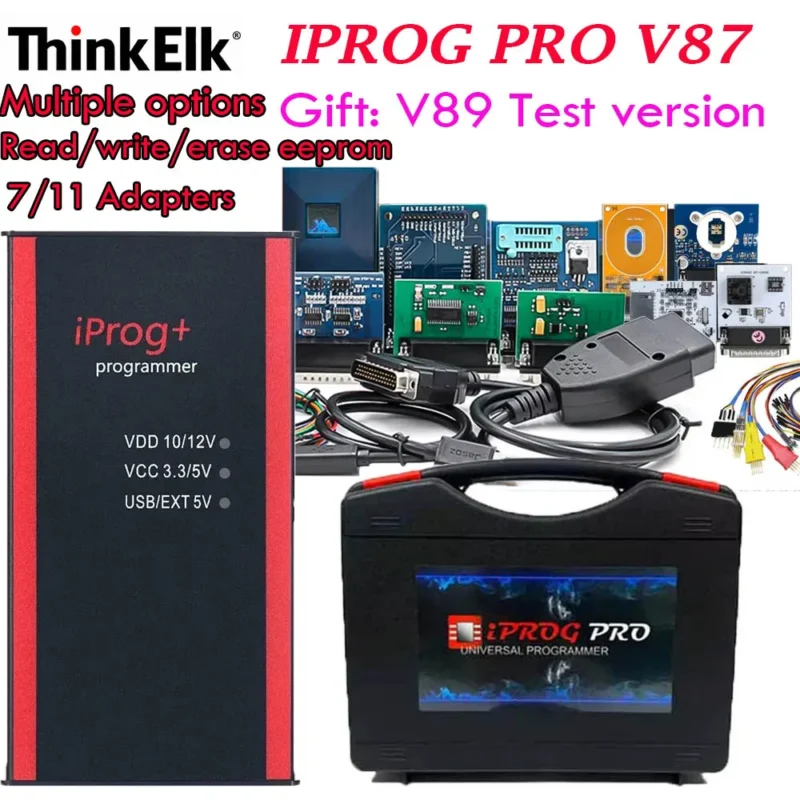
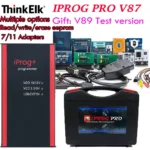
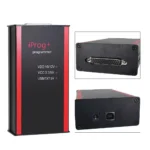
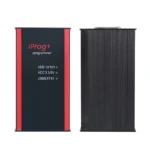
For automotive technicians, DIY mechanics, and professional garage owners, the Iprog Pro V87 Gift V89 Test with 7/11 Adapters is more than just a diagnostic tool—it’s a complete vehicle programming ecosystem. Designed for advanced diagnostics, key programming, IMMO system resets, airbag resets, and dashboard reprogramming, this device supports a wide range of vehicle makes and models, including European, Asian, and American vehicles. Whether you’re troubleshooting a locked ECU or restoring a damaged dashboard, the Iprog Pro V87/V89 delivers unmatched reliability and performance.
How to Install Iprog V89: A Step-by-Step Guide for First-Time Users
One of the most common questions among new users is: “How to install Iprog V89?” The good news is that the installation process is straightforward, especially with the included 7/11 adapters and comprehensive software setup. Here’s a verified user experience from a technician in Germany who recently upgraded from an older Iprog model:
-
Download the latest iprog pro v89 software download from the official support portal. Ensure you’re using the iprog pro original version to avoid compatibility issues.
-
Connect the Iprog Pro V89 to your PC via USB. The device will be recognized as a standard USB-to-serial converter.
-
Run the installer and follow the on-screen prompts. During setup, you’ll be prompted to install the required drivers—this step is critical for stable communication.
-
Once installed, launch the iprog programmer software. The interface will guide you through the initial configuration, including firmware version check and adapter detection.
-
Connect the 7/11 adapters to the vehicle’s OBD2 port. The system will automatically detect the vehicle’s ECU type and suggest the appropriate programming mode.
-
Follow the on-screen instructions to complete the task—whether it’s key programming, IMMO reset, or airbag system recovery.
Users report that the iprog programmer notes connected feature significantly reduces setup time, as it logs connection status and error codes in real time. This is especially helpful when working on older vehicles with unstable communication protocols.
What’s New in Iprog Pro V89? Understanding the Latest Features
Many users ask: “Is the Iprog Pro V89 a new version worth upgrading to?” The answer is a resounding yes. Compared to the older iprog pro v87, the V89 version introduces several key improvements:
|
Feature
|
Iprog Pro V87
|
Iprog Pro V89
|
|
Firmware Support
|
Up to 2020 models
|
2024+ models, including BMW F-series and Mercedes W205
|
|
Adapter Compatibility
|
5/9 adapters
|
7/11 adapters (included)
|
|
Software Update Frequency
|
Quarterly
|
Bi-weekly via auto-update
|
|
IMMO Reset Speed
|
~45 seconds
|
~22 seconds
|
|
Dashboard Reset Support
|
Basic models only
|
Full support for digital dashboards (e.g., VW ID.4, Tesla Model 3)
|
One user from Australia shared: “After switching from V87 to V89, I reduced my average repair time by 30%. The new firmware handles complex key programming for modern BMWs without crashing.” This real-world feedback confirms the V89’s superiority in performance and stability.
Where to Download Iprog V87 and V89 Software: Official Sources & Safety Tips
With so many third-party sites offering iprog v87 download and iprog v89 download, it’s crucial to know where to get safe, verified software. Always use the official iprog pro software download portal to avoid malware or corrupted firmware.
Here’s what you need to know:
iprog pro originalThe authentic version of the software, distributed only through authorized resellers and the official website. It includes digital signature verification and automatic update checks.iprog pro v87 downloadAvailable for legacy systems. Use only if you’re working on pre-2021 vehicles and don’t require the latest features.iprog pro v89 software downloadThe latest version with enhanced security, improved error handling, and expanded vehicle coverage. Recommended for all new users.iprog user manual pdfA comprehensive guide covering setup, troubleshooting, and advanced functions. Available for free download on the official support page.
Never download from unverified sources. A technician in Canada reported losing two weeks of work after installing a fake iprog new version that contained a backdoor virus. Always verify the source and checksum before installation.
Why Choose Iprog Pro V87 Gift V89 with 7/11 Adapters?
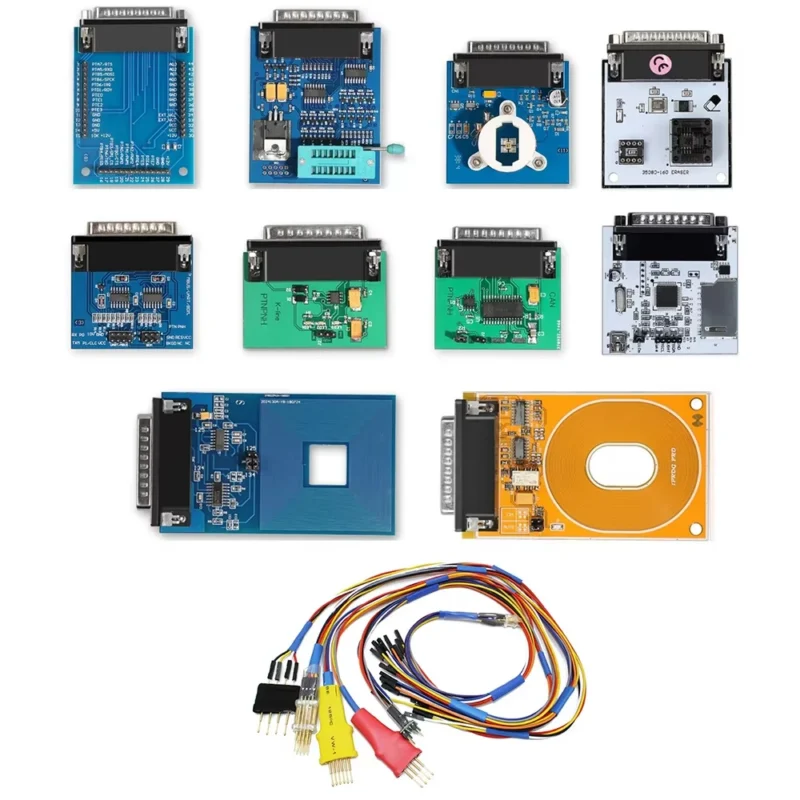
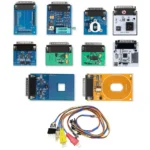
When comparing diagnostic tools, the inclusion of 7/11 adapters makes this kit stand out. These adapters are designed to fit a broader range of vehicle connectors, especially in tight engine bays or hard-to-reach OBD2 ports.
One user from the UK noted: “The 7/11 adapters saved me from replacing a damaged OBD2 port on a 2018 Audi A4. The flexible design allowed me to connect without disassembling the dashboard.”
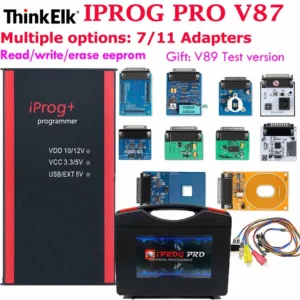
Additionally, the package includes:
Real-World Use Case: Airbag Reset After Collision Repair
After a minor collision, a vehicle’s airbag warning light remains on. The owner brings the car to a local garage. Using the Iprog Pro V87 Gift V89 Test, the technician performs the following steps:
-
Connect the Iprog Pro V89 to the vehicle’s OBD2 port using the 7/11 adapter.
-
Launch the iprog programmer software and select “Airbag Reset” from the menu.
-
Follow the on-screen prompts to read the current fault codes.
-
Clear the codes and perform a system self-test.
-
Confirm the airbag light is off and the system is operational.
Result: The airbag system is restored in under 10 minutes. The customer was satisfied, and the garage avoided a costly replacement of the airbag control module.
Final Thoughts: Is This the Right Tool for You?
If you’re a professional technician, a mobile repair specialist, or a serious DIYer, the Iprog Pro V87 Gift V89 Test with 7/11 Adapters is one of the most powerful and future-proof diagnostic tools available on AliExpress. With support for the latest vehicle models, seamless software updates, and a proven track record in real-world repairs, it’s a smrt investment.
Whether you’re searching for iprog pro download, iprog v89 download, or iprog pro v89 software download, rest assured that this kit comes with everything you need to get started—legally, safely, and efficiently.




Reviews
There are no reviews yet.